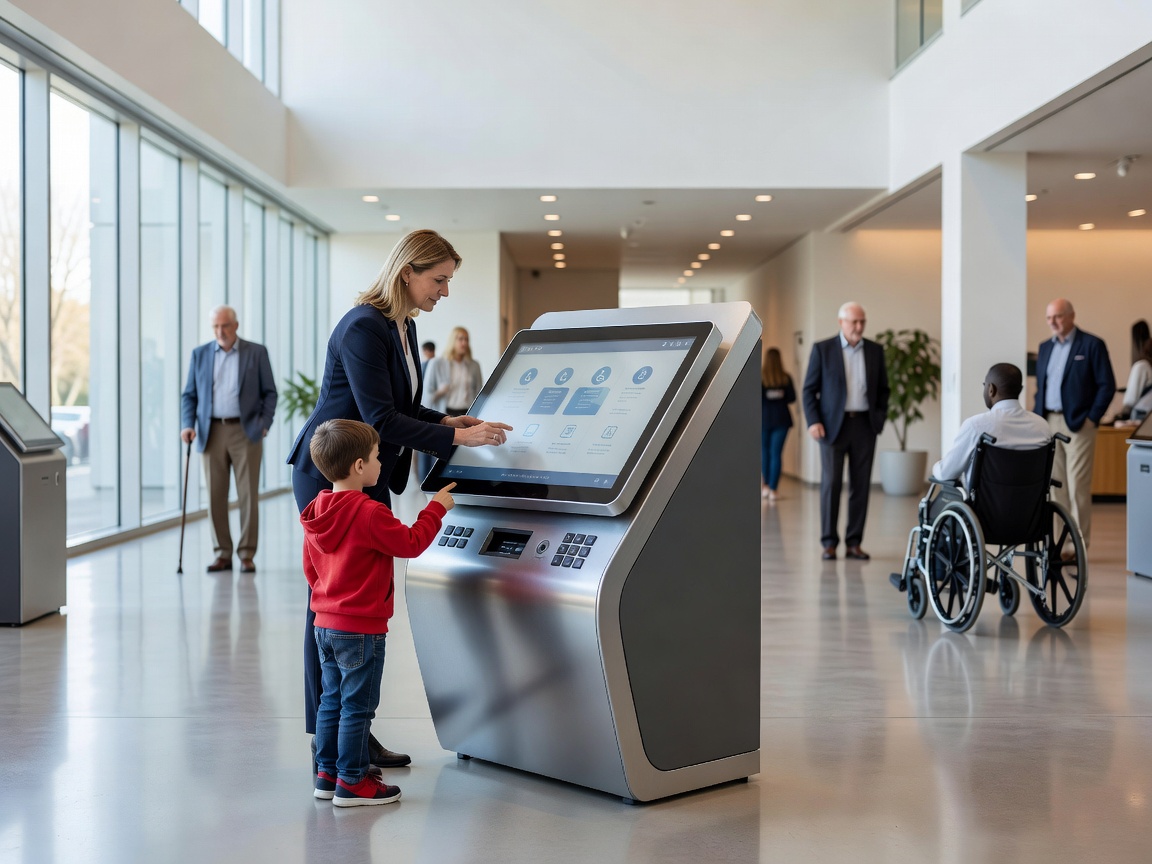
What a kiosk is for
Visitor information kiosks are public interfaces for destination search, maps, attractions, facilities and practical guidance. They can extend information beyond opening hours or support a team during busy periods. Their value comes from a focused experience, not from reproducing every page of a website.
The first screen should help a person understand the available choices. Clear categories such as “Find a place”, “Plan a route” and “What’s open?” are often easier than an unexplained search box. Keep the number of decisions manageable and provide a visible way back.
Interaction and accessibility
Touch interfaces need generous targets, clear feedback and a timeout that does not erase progress too quickly. Text should remain readable at the viewing distance. Provide language selection without forcing people to restart, and use icons as support rather than as the only instruction.
Consider wheelchair approach, reach ranges, glare, reflections and the position of companions. Privacy matters too: a visitor may search for sensitive needs or simply not want a crowd to read the screen. Avoid collecting personal information unless it is genuinely necessary and clearly explained.
Placement and protection
Place kiosks where people naturally pause, with room to approach and leave. Entrances, visitor centres and interchange areas can work, but a kiosk hidden behind a queue or exposed to direct glare will underperform. Outdoor locations need protection appropriate to their environment. Do not assume a device is weatherproof without confirming its suitability.
Cleaning is part of the user experience. Fingerprints, dust and damaged screens quickly reduce trust. Assign responsibility for inspection, cleaning, content review and fault reporting before installation.
Strengths and limitations
Kiosks offer searchable depth, visual maps and self-service access. They can also help staff answer fewer repetitive questions. Their limitations are equally important: they depend on maintenance, may become inaccessible during outages and cannot replace a human response for complex or sensitive needs.
Plan an offline fallback. A printed map, physical sign or concise emergency instruction can keep essential orientation available if a network connection fails. Treat the kiosk as one layer in a broader information system.
Good for
Visitor centres, large arrival spaces, cultural districts, parks and places where information is detailed but staff coverage is limited.
What to know
- Design the first interaction around visitor questions.
- Test reach, glare, privacy and route access.
- Set a cleaning and fault-response routine.
- Provide non-interactive fallback information.
Related guides
Wayfinding → Smart information → Digital signage →