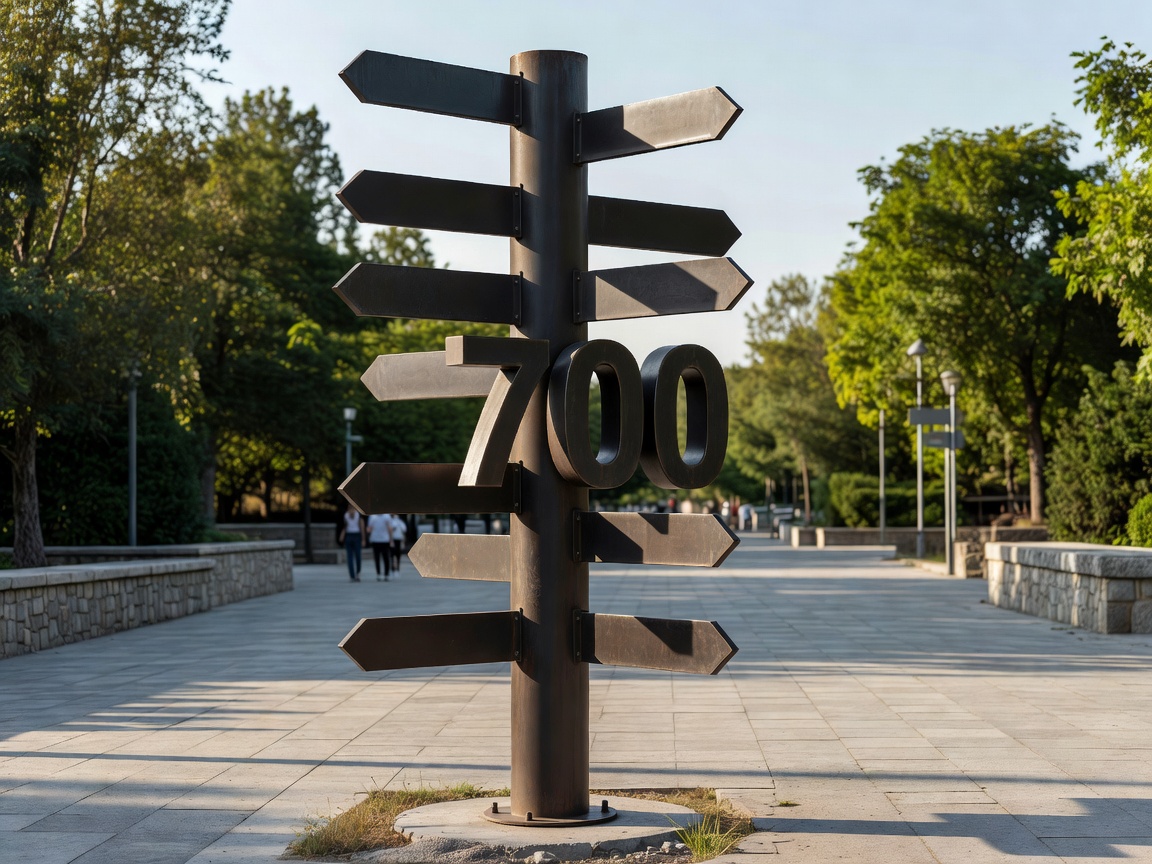
Start with a sign hierarchy
A hierarchy gives each message a job. Arrival signs establish context. Directional signs point toward destinations. Confirmation signs reassure people that they are still on course. Identification signs name a place when someone reaches it. Mixing all four jobs on one panel creates hesitation.
Use consistent names, arrows, typography and colour. A visitor should recognise the system before reading every word. Maps can provide context, while directional signs should remain focused on the next decision.
Decision points and walking routes
Survey the moments when a person must choose: an exit, junction, plaza, bridge or route split. Put information before the decision, not after it. Walking times can be helpful when they are explained consistently, but avoid false precision. Landmarks, sightlines and natural desire lines often matter as much as distance.
Digital maps can show a wider area and support search, while physical signs remain dependable when a phone is unavailable, wet or difficult to use. A connected system lets each medium do what it does best.
Accessibility and language
Accessible wayfinding considers step-free routes, surface conditions, rest points, contrast, legibility and the position of signs. Do not assume that an icon alone communicates every instruction. Plain language, tactile or audible support where appropriate, and a route that avoids unnecessary barriers make the system more useful.
Multilingual communication needs a clear content strategy. Translating every possible label can overwhelm a sign. Use widely understood destination names, symbols tested with users and digital detail where more explanation is needed.
Centralised or distributed?
A centralised information point gives visitors a strong overview, but it can leave people unsupported once they move away. Distributed signs place reassurance along the journey, though they require more coordination and maintenance. The strongest approach usually combines a clear orientation point with repeated, modest prompts at key decisions.
Too much information is not the same as helpful information. Remove low-priority messages, test the route with unfamiliar users and revise language that causes questions.
Good for
Historic centres, campuses, parks, waterfronts, cultural districts, transport interchanges and mixed-use public spaces.
What to know
- Map the complete visitor journey, not just the entrance.
- Give each sign one primary purpose.
- Test routes with people unfamiliar with the place.
- Keep physical and digital names aligned.
Related guides
Digital signage → Kiosks → Planning →